


Created by real people: Every post we publish is written by our team. AI plays only a small role for adjustments and polishing. We don’t aim for generic SEO content; our focus is on delivering authentic, high-quality value for the community.
Cross-Platform Live Notifications: iOS Live Activities and Android equivalents
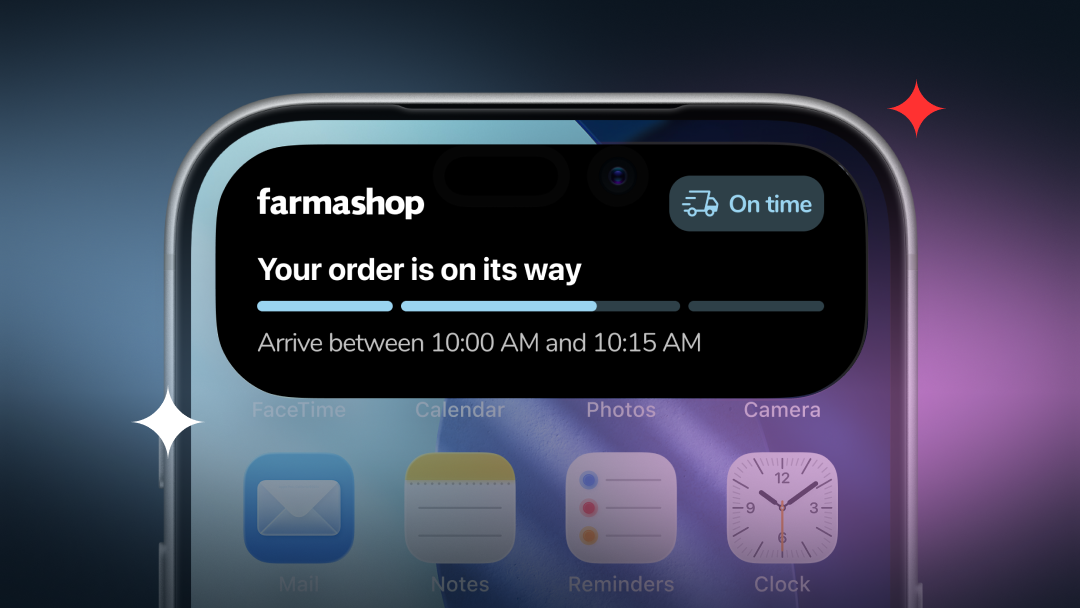
Live notifications are system updates that stay visible and change over time, like the status of an order or a trip in progress. They are not a screen inside the app, but how the system reflects what is happening in a process. From a .NET MAUI perspective, the goal is to bring that experience to both platforms in a consistent way.
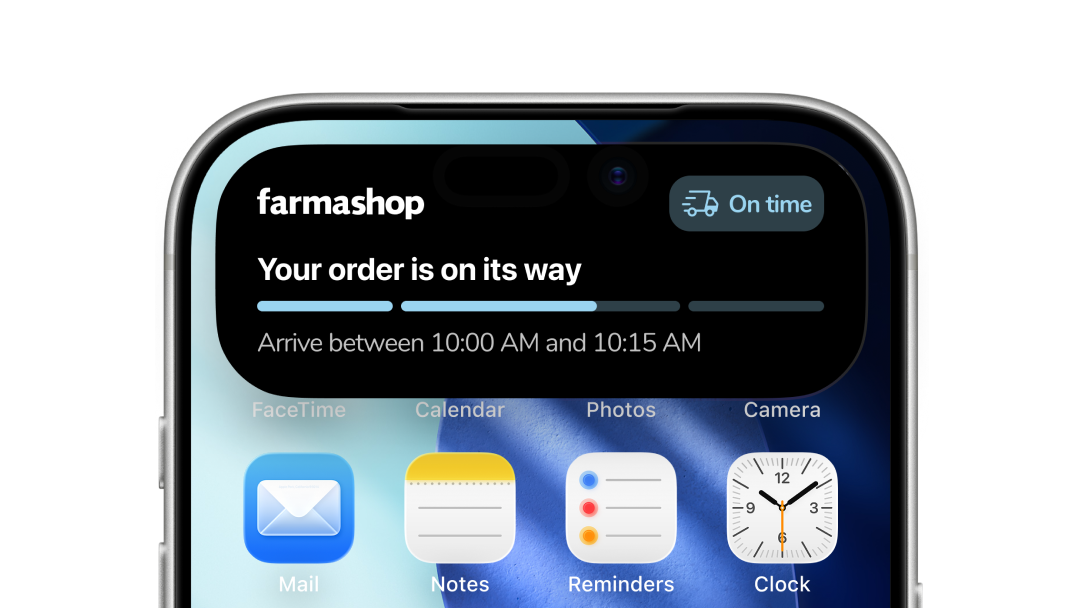
On iOS, this shows up as Live Activities, visible on the Lock Screen and, on supported devices, in the Dynamic Island. On Android, the same idea is expressed through the notification system, using promoted and updatable notifications to keep an ongoing state visible over time.
Live notifications are designed for scenarios where traditional push notifications start to fall short. When a process has a continuous state that evolves over time, keeping that state visible becomes more effective than sending a series of discrete notifications. A few simple examples make this difference clear.
When live notifications make sense
Example 1 — Order or delivery tracking
Use live notifications when a user is actively following a process that evolves over time, such as an order moving through confirmation, preparation, and delivery. A single visible card keeps context and reduces noise while the state changes.
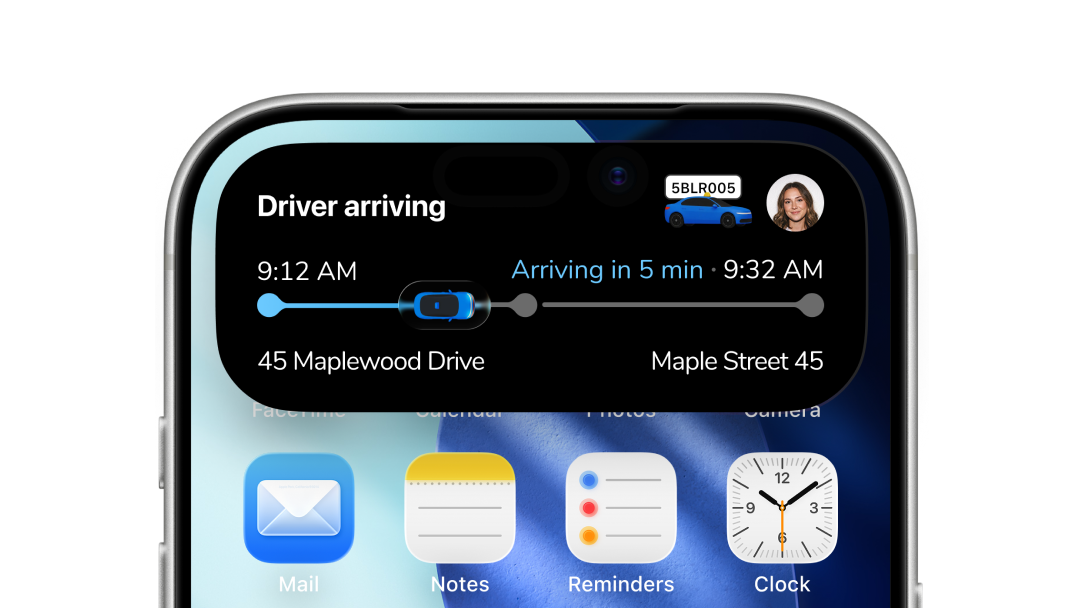
Example 2 — Ride matching and pickup (inDriver-style)
Use live notifications while a ride is being matched and the pickup is in progress. States like “Driver offered a price”, “Offer accepted”, and “Driver arriving” change quickly, and keeping them in a single live card avoids interrupting the user with multiple alerts during a short but dynamic window.
When push notifications are enough
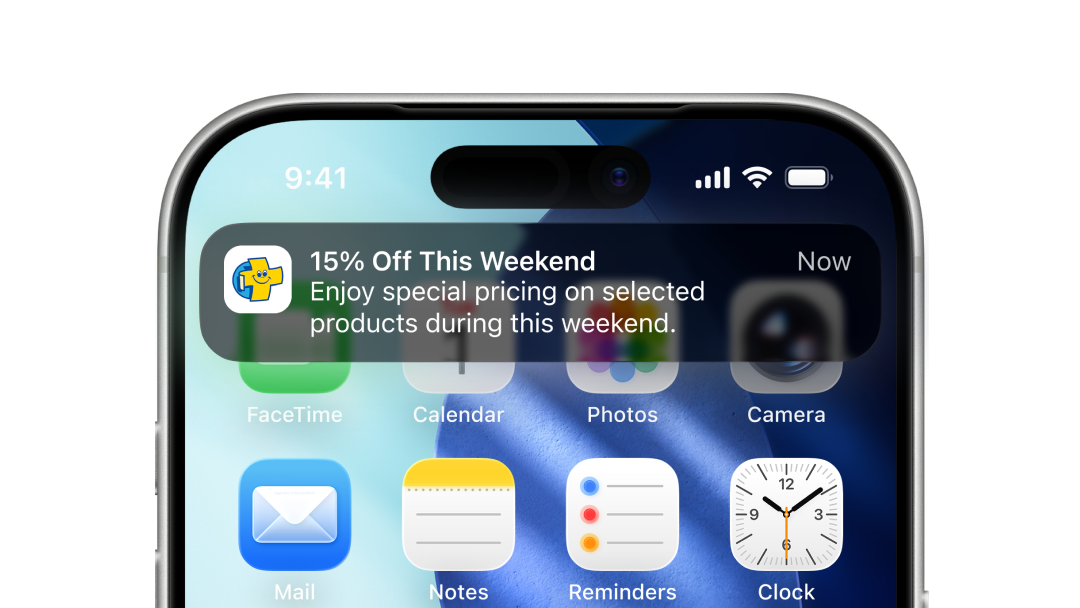
Example 1 — Promotions or announcements
Use push notifications for promotional messages, offers, or announcements. These are discrete events meant to grab attention once, not to represent an evolving state.
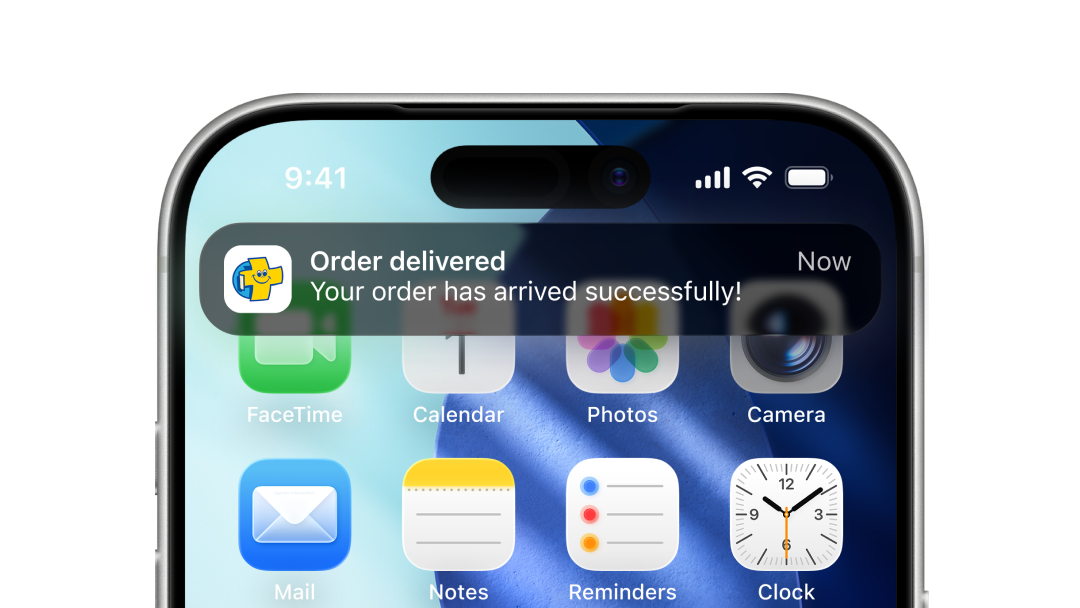
Example 2 — Final or exceptional events
Push notifications are ideal for single outcomes like “Order delivered”, “Payment failed”, or “Action required”, where no ongoing tracking is needed.
Managing the live notification lifecycle
iOS: how Live Activities fit into MAUI
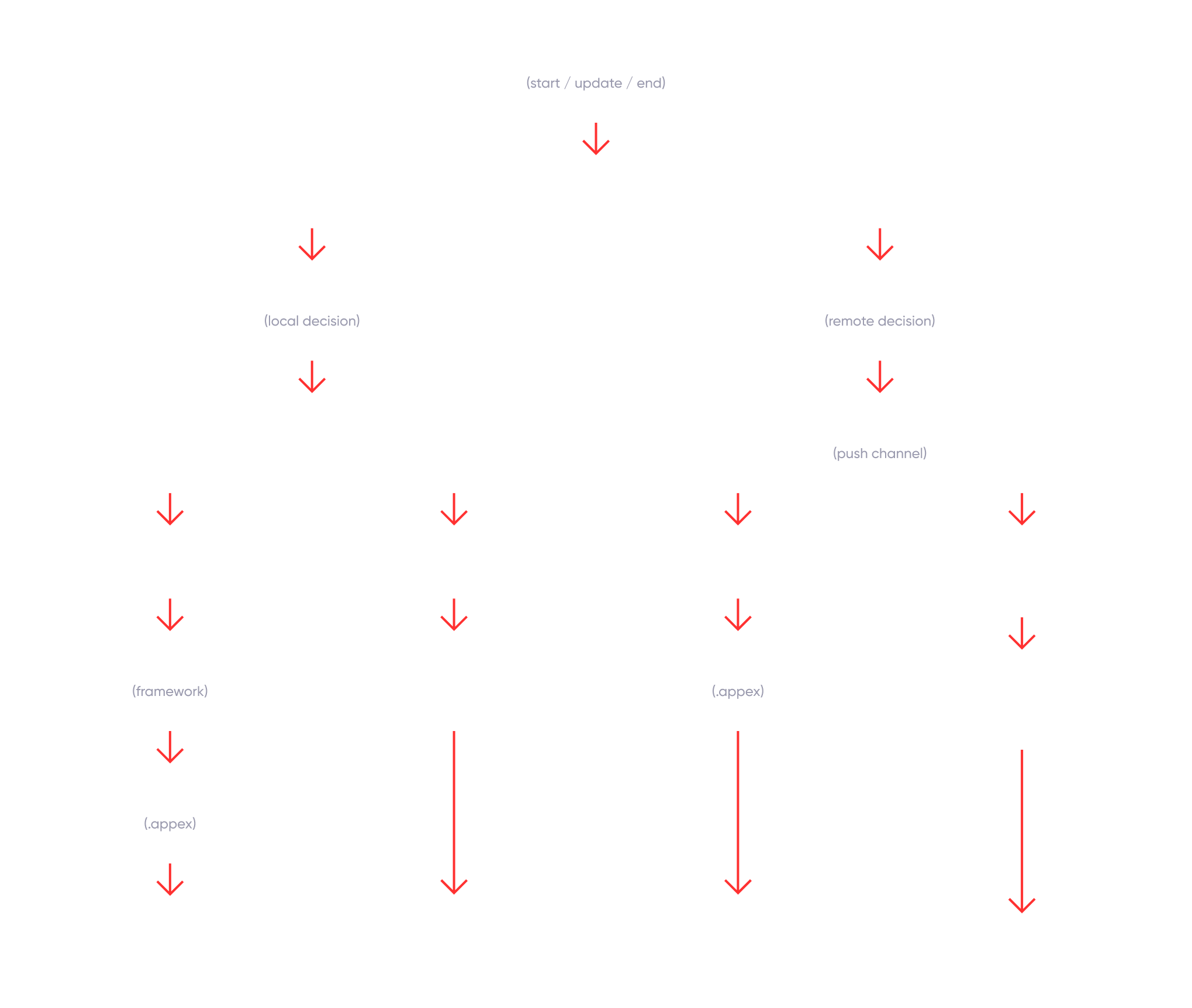
On iOS, “live notifications” are implemented through Live Activities, and since .NET MAUI doesn’t expose them natively, you reach them through a small bridge to iOS APIs. Your MAUI app remains the entry point, but the live experience itself is owned and executed by the system.
Building the bridge
On iOS, enabling Live Activities from a .NET MAUI app requires an interop bridge to native components. That bridge is made of two pieces: a native framework MAUI can call into, and a Live Activity extension (.appex) that renders the UI on the Lock Screen or Dynamic Island. iOS also provides the tokens that target each activity, used for updates and remote starts.
Who drives the updates?
A Live Activity’s lifecycle can be managed from two sides: the app through the native framework, or the server. When the server takes that role on iOS, communication happens through Apple Push Notification service (APNs). The server sends a remote update specifying the event (start/update) and the current state, using the appropriate token to route the message to the correct Live Activity. Conceptually:
POST https://api.push.apple.com/3/device/<pushToStartToken | liveActivityToken>
apns-push-type: liveactivity
apns-topic: <your.bundle.id>.push-type.liveactivity
apns-priority: 5 | 10
authorization: bearer <jwt>

{
  "aps": {
    "event": "<start | update>",
    "content-state": {
      "state": { }
    }
  }
}
Android: notifications, style, and visibility
On Android, a .NET MAUI app can build these “live” experiences without adding a separate native piece, because the stage is already there: the notification layer. There isn’t an extra UI component living in a different target; the system already provides a place where information can stay visible and keep changing over time. From there, it mostly comes down to two choices: the structure of what you show, and how prominently Android surfaces it across the drawer, lock screen, or status bar.
Live Update notifications
Live Updates are about system promotion for ongoing, user-initiated, time-sensitive activities. The tradeoff is that you must stick to system styles, since Live Updates don’t allow RemoteViews.
Progress-centric notifications
ProgressStyle (Android 16) is a system template for journey-style tracking like delivery, rideshare, or navigation, with stages and milestones built in.
Custom notification layout
RemoteViews are for fully custom notification UI. You gain visual control, but you opt out of Live Updates promotion because customContentView isn’t allowed there.
Who drives the update
On Android, updates can be driven by the app or by the server. App-driven updates react to local state changes; server-driven updates usually arrive as a push (often via FCM) that your MAUI code handles through the same flow to decide what to show next.
The key idea is simple: updating a notification means posting it again with the same notification ID (or tag + ID), so Android replaces the existing card instead of creating a new one. Live Updates, ProgressStyle, and RemoteViews only change the content shape you post, not the update mechanism.
A real implementation in production
In our Farmashop app, we took this model to production on both iOS and Android using a .NET MAUI codebase. We designed the system so that live notifications start from the app when a user confirms an order, and then move under server control as the order status changes. On the backend, within that same process, the platform decides how to deliver each update depending on the device, using APNs for Live Activities on iOS and a push manager such as Firebase on Android, so the experience stays visible and in sync while the order moves forward.
Conclusions
It’s not about a specific technology, but about the same pattern expressed on two different platforms. Live Activities on iOS and Live Updates or updatable notifications on Android are simply the tools each system provides to represent a state that changes over time. Even though the technical paths are different, the flow is the same: an experience starts, evolves, and stays aligned with what is really happening. From a .NET MAUI perspective, the interesting part is being able to design that flow once and let each platform express it in its own way, without losing coherence or continuity.
References
Maui native library interop get started
Send notification request to apns
Update Live Activities with push notifications
Create a Live Update notification
Progress-centric notifications
Create a custom notification layout
Thank you for reading
Stay tuned and subscribe to Mobile Dev Experiences to be part of this growing community where we share strategies, insights, and real-world lessons in cross-platform mobile development.